
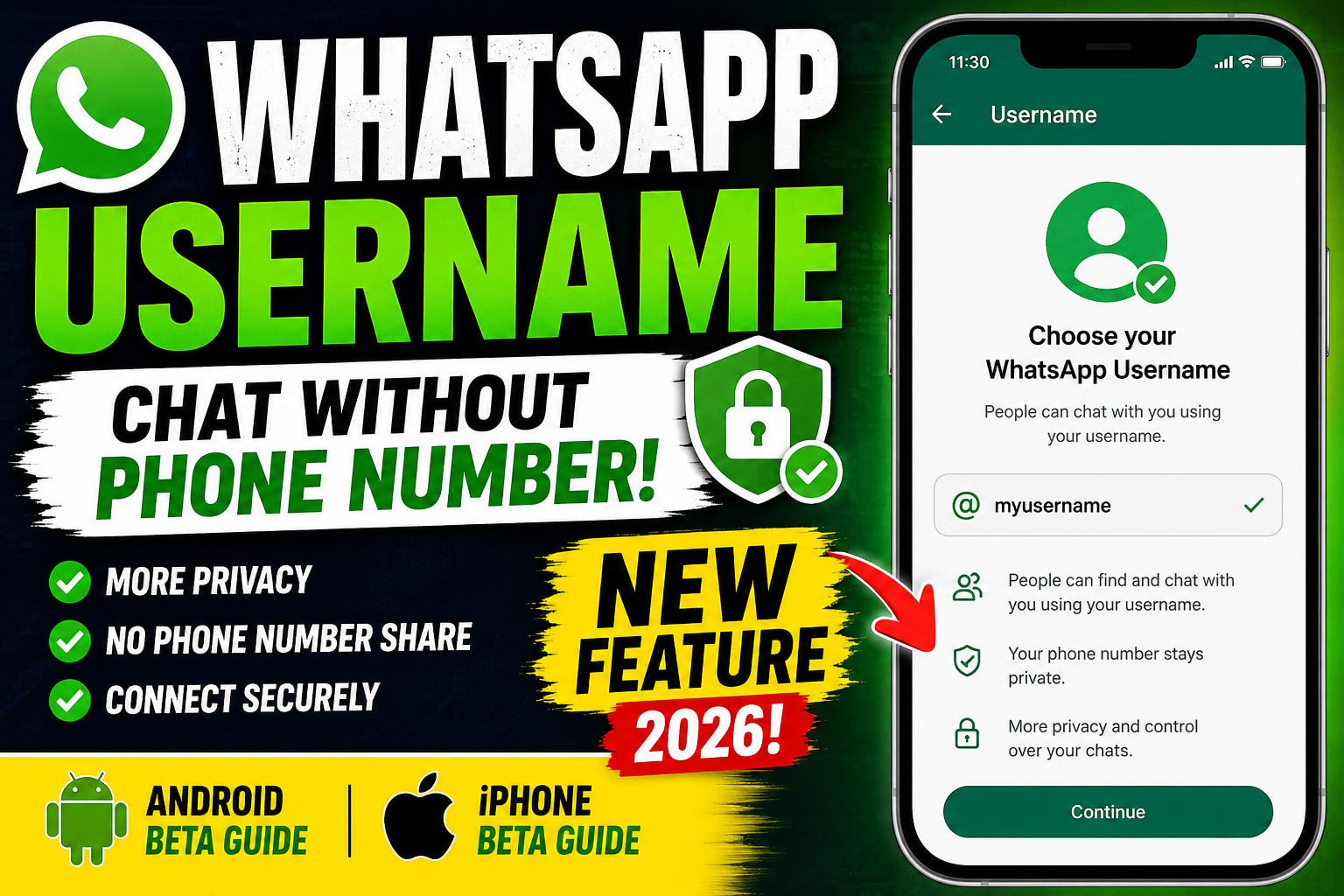
WhatsApp Introduces the New Username Feature 🚀
WhatsApp is testing a highly anticipated Username Feature that allows users to connect without sharing their personal phone numbers. Similar to Instagram, Facebook, and Telegram, you can create a unique username and share it instead of your mobile number.
This feature is currently available only for users running the latest WhatsApp Beta version on Android and iPhone.
What is the WhatsApp Username Feature?
Until now, anyone who wanted to contact you on WhatsApp needed your phone number.
With the new Username feature, you can:
✅ Create a unique WhatsApp username
✅ Share your username instead of your phone number
✅ Improve your privacy while chatting
✅ Reduce unwanted contacts and spam
✅ Connect more securely with new people
This update is especially useful for creators, freelancers, businesses, students, and anyone who prefers not to reveal their personal mobile number.
Who Can Use This Feature?
At the moment, the feature is available only for selected beta users.
Supported devices include:
- Android phones with the latest WhatsApp Beta
- iPhone users running the latest WhatsApp Beta through TestFlight
If you are using the stable version, you may need to wait until Meta rolls out the feature globally.
How to Create a WhatsApp Username on Android 🤖
- Open the Google Play Store.
- Join the WhatsApp Beta Program.
- Update WhatsApp to the latest Beta version.
- Open WhatsApp.
- Go to Settings.
- Tap your Profile.
- If the Username option appears, create a unique username.
- Save your changes.
Your username can now be shared instead of your phone number.
How to Create a WhatsApp Username on iPhone 🍎
- Install the latest WhatsApp Beta using TestFlight.
- Open WhatsApp.
- Go to Settings.
- Open your profile.
- Select the Username option if available.
- Create a unique username.
- Save your settings.
Benefits of the WhatsApp Username Feature ⭐
🔒 Better privacy protection
📞 No need to share your personal phone number
💼 Perfect for businesses and professionals
🎥 Great for YouTubers, influencers, and creators
🛍️ Useful for online sellers
🛡️ More secure communication
🚫 Helps reduce spam messages and unwanted contacts
WHATS APP BEETA
Username Tips
Choose a username that is:
- Easy to remember
- Professional
- Unique
- Short and simple
Avoid including sensitive personal information in your username.
Why Can’t I See the Username Option?
Don’t worry if the option is missing.
The feature is still under beta testing and is being released gradually. Even if you’re using WhatsApp Beta, it may not be available on every account yet.
Keep your app updated and wait for future releases.
Frequently Asked Questions (FAQ)
Is the WhatsApp Username feature available for everyone?
No. It is currently available only to selected beta testers.
Can I use WhatsApp without sharing my phone number?
With the new Username feature, you can share your username instead of your phone number where supported. The exact visibility of your phone number depends on WhatsApp’s privacy settings and the final rollout of the feature.
Is it available on Android and iPhone?
Yes. The feature is currently being tested on both Android and iPhone Beta versions.
How do I join WhatsApp Beta?
Android users can join through the Google Play Beta Program, while iPhone users can use Apple’s TestFlight if beta slots are available.
WhatsApp Username, WhatsApp Username Feature, WhatsApp Beta, WhatsApp Beta Update, WhatsApp Username Android, WhatsApp Username iPhone, WhatsApp Privacy, WhatsApp New Feature, WhatsApp Tips and Tricks, WhatsApp Settings, Meta WhatsApp Update, Messaging App, Secure Messaging, Mobile Privacy, Android Apps, iPhone Apps, Online Privacy, WhatsApp Username Guide, WhatsApp Username Tutorial.
Conclusion 🎉
The new WhatsApp Username feature is one of the biggest privacy improvements coming to the platform. Instead of sharing your personal phone number, you’ll be able to connect using a unique username, making conversations safer and more private.
Although the feature is currently limited to beta users, it is expected to roll out to all WhatsApp users in a future update. Keep your app updated and be among the first to experience this exciting new feature.