
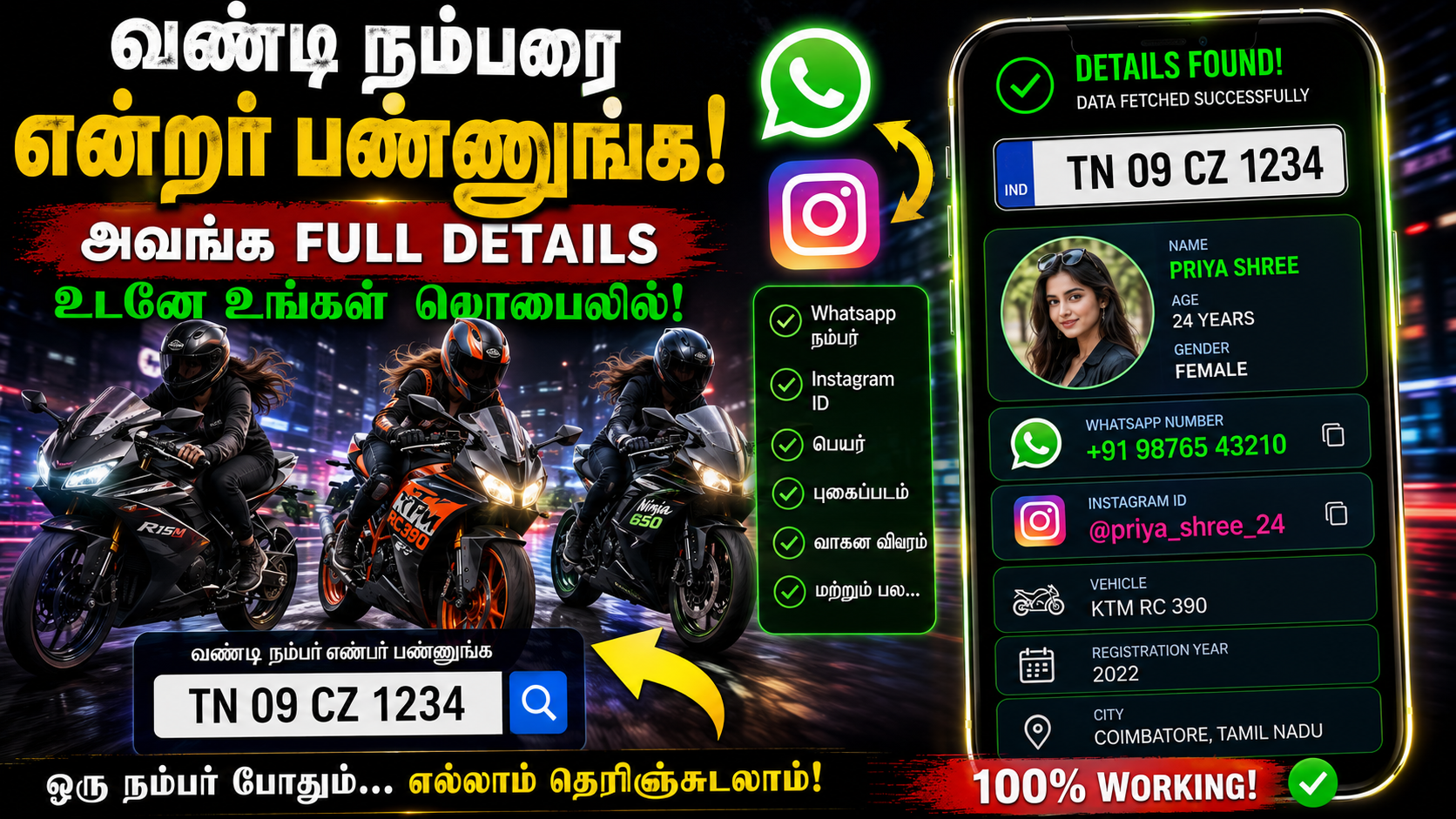
Have you ever wanted to check basic information about a car or bike using its vehicle registration number?
The Sampark app provides a vehicle search feature that allows users to enter a vehicle registration number and check the information available through its service.
In this guide, we will explain what the Sampark app is, how to search for a vehicle using its number plate, what information may be available, and how to download the app.
What Is the Sampark App?
Sampark is a vehicle-related platform designed to help vehicle owners and users communicate more easily.
One of its useful features is Vehicle Search, where users can enter a vehicle registration number and search for available vehicle information.
Sampark also focuses on privacy when users need to contact a vehicle owner. Its services can allow communication with a vehicle owner without publicly revealing the owner’s personal phone number.
How to Check Vehicle Details Using a Number Plate
You can follow these steps to search for a vehicle using Sampark.
Step 1: Download the Sampark App
First, install the Sampark application on your Android smartphone.
Official App
Sampark – Google Play Store
Always check the developer and app information before installing any application.
Step 2: Open Sampark
After installing the application, open Sampark on your smartphone.
Depending on the current version of the app, the available options and interface may change.
Step 3: Open Vehicle Search
Look for the Vehicle Search option inside the app or use Sampark’s vehicle search service.
You can also access the vehicle search page through the official website:
Step 4: Enter the Vehicle Registration Number
Enter the vehicle registration number exactly as shown on the number plate.
For example:
TN01AB1234
Make sure the registration number is entered correctly.
Step 5: Search for the Vehicle
After entering the registration number, submit the search.
If information is available for that registration number, the service may display the available vehicle-related information.
What Information Can You Get?
The information displayed can depend on the vehicle record and the data currently available through the service.
Depending on availability, users may be able to see information related to:
- Vehicle registration number
- Registration information
- Vehicle make and model
- Vehicle category
- Registration-related information
- Other available vehicle information
Important: The information available can vary from one vehicle to another. You should not assume that every vehicle will show the same information.
Can You Get the Owner’s Mobile Number?
This is one of the most important things to understand.
You should not expect Sampark to reveal someone’s private mobile number simply by entering a vehicle number.
Sampark is designed with privacy features that can allow users to contact vehicle owners without exposing their personal phone numbers publicly.
This can be useful when a vehicle owner needs to be contacted about a parked vehicle or another legitimate vehicle-related situation.
How Does Sampark Help Contact Vehicle Owners?
Imagine a vehicle is parked in front of your gate and you need to contact the owner.
If the vehicle is registered with Sampark and has the relevant Sampark service/tag, you may be able to use the service to contact the owner.
The communication can be handled through privacy-protected methods rather than displaying the owner’s personal phone number.
Is Sampark a Government App?
Sampark is not the same as the official Government of India mParivahan application.
Sampark is a separate vehicle-related platform.
Its website provides vehicle search functionality and states information about obtaining vehicle data through its service.
For official government vehicle-registration services, users can also use the Government of India’s Parivahan platform.
Is Sampark Free?
Sampark’s website currently indicates that users can access a limited free vehicle search service, including a free search within its stated usage limits.
However, app features, search limits, and pricing can change over time.
Therefore, check the latest information inside the official Sampark app or website before using the service.
Sampark Official Website
You can visit the official Sampark website to learn more about its vehicle-related services.
Official Website:
Visit Sampark Official Website
Vehicle Search:
Sampark App Download
Android users can download Sampark from Google Play Store.
Official Google Play Store Link:
Avoid downloading APK files from unknown websites, especially when an official app-store listing is available.
Is It Safe to Use Vehicle Number Search?
Users should use vehicle information responsibly.
A vehicle registration number should not be used to:
- Harass someone
- Stalk someone
- Threaten someone
- Obtain someone’s private information
- Invade another person’s privacy
- Misuse personal information
Vehicle information should only be used for legitimate purposes.
Sampark vs mParivahan
Sampark and mParivahan are different services.
Sampark provides vehicle-related search and communication features.
NextGen mParivahan, on the other hand, is a Government of India transport application developed by the National Informatics Centre (NIC).
For government transport services and official vehicle-related information, users should prefer the official Parivahan/mParivahan services.
Frequently Asked Questions
Can I check a vehicle using its number plate?
Yes. Sampark provides a vehicle search facility where users can enter a vehicle registration number and check the information available through the service.
Does Sampark work for cars and bikes?
Sampark provides vehicle-related services that can be used for different types of vehicles, including cars and motorcycles, depending on the available records.
Can I find someone’s phone number using their vehicle number?
You should not expect to receive someone’s private mobile number through a vehicle-number search. Sampark’s communication features are designed to protect the owner’s phone number.
Can I use Sampark before buying a used vehicle?
A vehicle search can be useful as an additional verification step when checking a used car or bike.
However, you should also verify the original RC, insurance, seller details, and other relevant documents before purchasing a second-hand vehicle.
Is Sampark the official Government vehicle app?
No. Sampark is a separate vehicle-related platform. For official government transport services, use the Government of India’s Parivahan and mParivahan services.
Final Verdict
The Sampark app can be useful if you want to search for available vehicle information using a registration number.
It also provides privacy-focused communication features that can help users contact participating vehicle owners without publicly exposing their personal phone numbers.
If you want to try the service, use the official links below:
Sampark Official Website:
https://sampark.me/
Sampark Vehicle Search:
https://sampark.me/search
Sampark Android App:
https://play.google.com/store/apps/details?id=com.myapp.ngf132
Government Parivahan:
https://parivahan.gov.in/
Disclaimer: Vehicle information availability may vary depending on the vehicle and the data available through the service. Do not use vehicle information to invade someone’s privacy, harass, stalk, or obtain private personal information without authorization.