
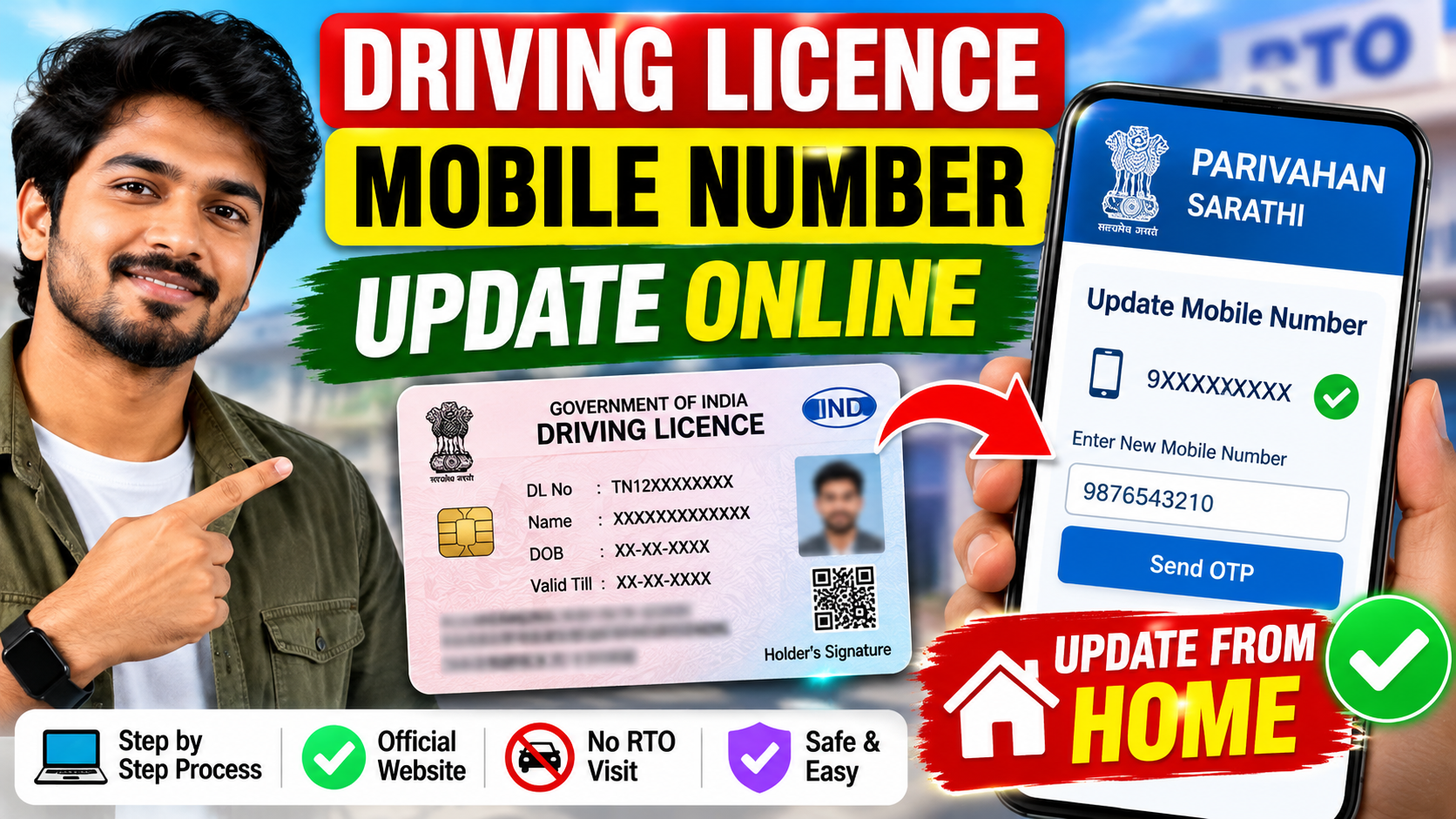
If your mobile number is not linked to your Driving Licence (DL), or if you want to change your old mobile number to a new one, you can update it online through the official Parivahan/Sarathi portal.
The Ministry of Road Transport & Highways (MoRTH) provides an online facility for updating mobile numbers associated with transport records. The official portal also advises Driving Licence holders to keep their mobile number updated so that their details remain complete and up to date.
Can I Update My Driving Licence Mobile Number from Home?
Yes. In many cases, you can update your mobile number online without visiting the RTO.
However, the available authentication method can depend on your state/RTO and the information already available in the transport database. If the required details cannot be verified online, you may be asked to contact or visit the concerned RTO.
How to Link Mobile Number with Driving Licence Online
Follow these steps:
Step 1: Visit the Official Parivahan Website
Go to the official Parivahan website:
For Driving Licence-related services, use the Sarathi Parivahan portal.
Step 2: Select Your State
Open the Sarathi Parivahan portal and select the State in which your Driving Licence is registered.
Step 3: Select Driving Licence Services
Choose the appropriate Driving Licence service section and look for the available option to update or modify your mobile number.
The services displayed can vary depending on the selected state and RTO.
Step 4: Enter Your Driving Licence Details
Depending on the service available, you may be asked to provide details such as:
- Driving Licence Number
- Date of Birth
- Other required verification details
Enter the information carefully.
Step 5: Enter Your New Mobile Number
Enter the mobile number that you want to link/update with your Driving Licence.
Make sure that you have access to this mobile number because an OTP may be required for verification.
Step 6: Complete OTP Verification
An OTP may be sent to the mobile number used for authentication.
Enter the OTP and complete the verification process.
Step 7: Submit the Request
After successful verification, submit the mobile-number update request.
If the online verification is successful, the mobile number can be updated in the transport database.
What If the Online Process Does Not Work?
Sometimes, the online system may not be able to verify the applicant’s details.
The Parivahan system states that if complete information is not available, the applicant may need to visit the concerned RTO to get the details updated.
Therefore, if the portal asks you to select an RTO for physical verification or does not allow you to complete the update online, follow the instructions shown on the official portal.
Important Things to Keep in Mind
- Use only the official Parivahan/Sarathi website.
- Enter your Driving Licence details correctly.
- Keep your new mobile number active.
- Never share your OTP with anyone.
- Do not use unofficial websites or apps asking for your Driving Licence or OTP details.
- The available online options may differ depending on your state/RTO.
Why Should You Keep Your Mobile Number Updated?
Keeping your mobile number updated can help you receive important OTPs, notifications and online-service communications associated with transport services.
The Government’s Parivahan portal specifically encourages Driving Licence holders and registered vehicle owners to keep their mobile numbers updated.
Official Website
Parivahan: https://parivahan.gov.in/
Sarathi Parivahan: https://sarathi.parivahan.gov.in/
Always check the official portal for the latest process before submitting your details.
Conclusion
You do not necessarily have to visit the RTO just to update the mobile number linked with your Driving Licence. The official Parivahan/Sarathi system provides online facilities for updating mobile numbers, subject to the authentication and services enabled for your state/RTO.
If online verification is successful, you can complete the process from home. If the portal requires physical verification, you will need to follow the instructions provided by the concerned RTO.